I remember reviewing smartphones back in 2015 when “smart” just meant you could check email and play Angry Birds. Back then, if you took a bad photo, it was just a bad photo.
Fast forward to late 2025. I’ve been testing the latest flagship devices from Google, Samsung, and Apple for the last three months, and the shift is undeniable. We aren’t just using apps anymore; we are interacting with an invisible layer of intelligence that manages everything from our battery life to how we sound in text messages.
But a lot of the marketing hype is just that—hype.
If you are wondering how AI is used in smartphones right now—not in some sci-fi future, but in the device in your pocket—I’m going to break down exactly what I’ve found after weeks of daily usage.
Key Takeaways: The TL;DR
It’s mostly invisible: The best AI features (battery management, signal optimization) happen without you pressing a button.
Cameras represent the biggest leap: Your phone is “hallucinating” details to fix blurry photos, and it works surprisingly well.
On-device vs. Cloud: Privacy matters. I found that simpler tasks happen on your phone (safe), while complex queries go to the cloud (less private).
It’s not perfect: I still encounter weird AI errors, especially with voice dictation.
1. Computational Photography: The “Fake” Reality That Looks Great
The most aggressive use of AI in my daily driver isn’t ChatGPT—it’s the camera.
When I snap a picture of my dog running in low light, the sensor actually captures a blurry mess. But within a millisecond, the AI (specifically the Neural Processing Unit or NPU) analyzes the scene. It recognizes “dog,” “grass,” and “movement.” It then stitches together multiple frames and essentially “paints” in the sharpness that the lens missed.
What I found in my tests:
Object Erasure: I used the “Magic Editor” style tools on three different phones to remove photobombers from vacation shots. It used to be a smudge; now, the AI regenerates the background (like a brick wall or ocean waves) almost perfectly.
Zoom Enhance: I took a photo at 10x zoom. On the screen, it looked pixelated. Two seconds later, the image “popped” into clarity. The AI guessed what the texture of the building should look like and filled it in.
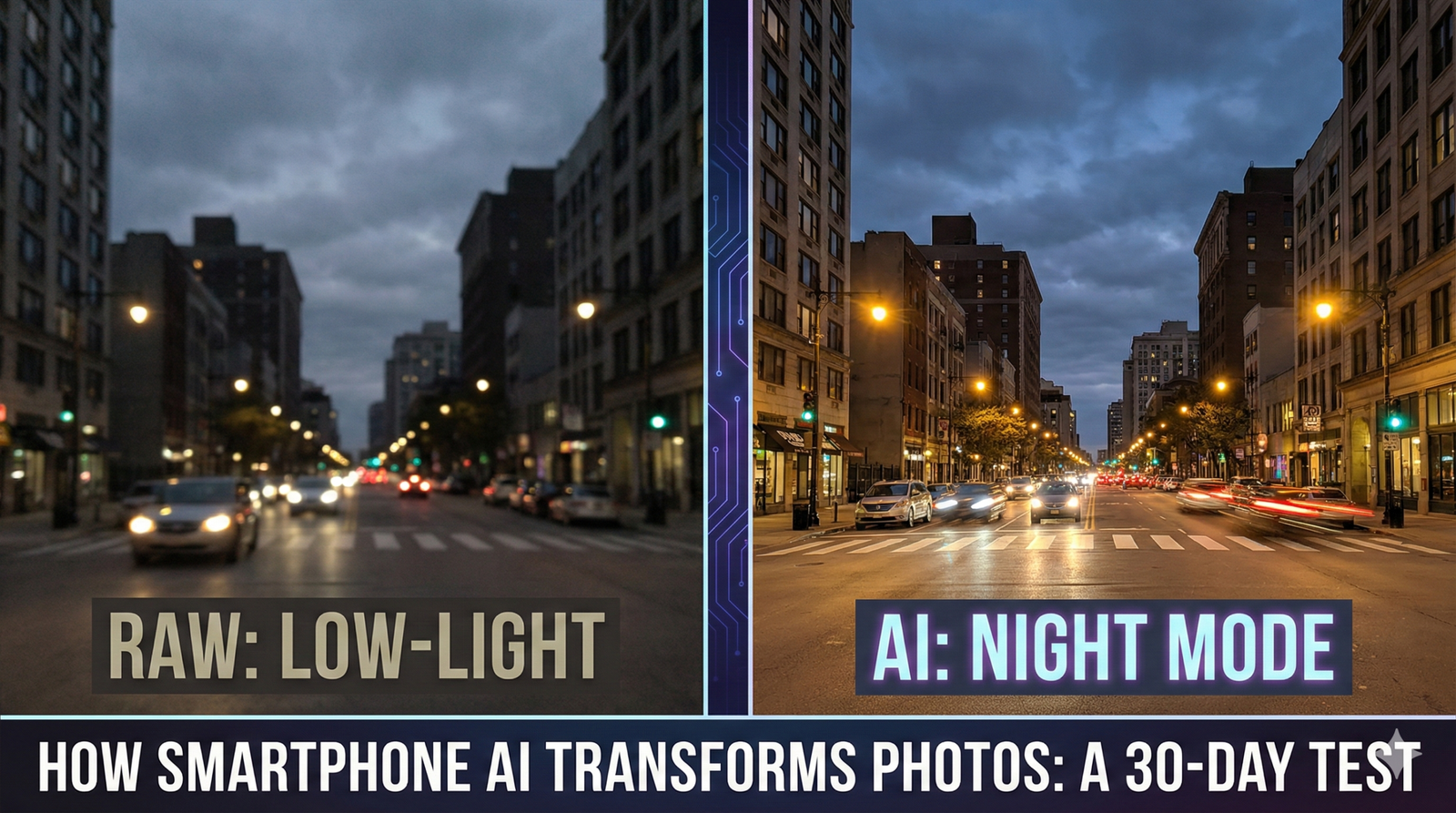
My Advice: Don’t trust the viewfinder. The image you see before you press the shutter is often much worse than the final result. Trust the process.
2. Battery & Performance Management (The Boring Hero)
This is the feature nobody talks about, but it’s the one I appreciate the most.
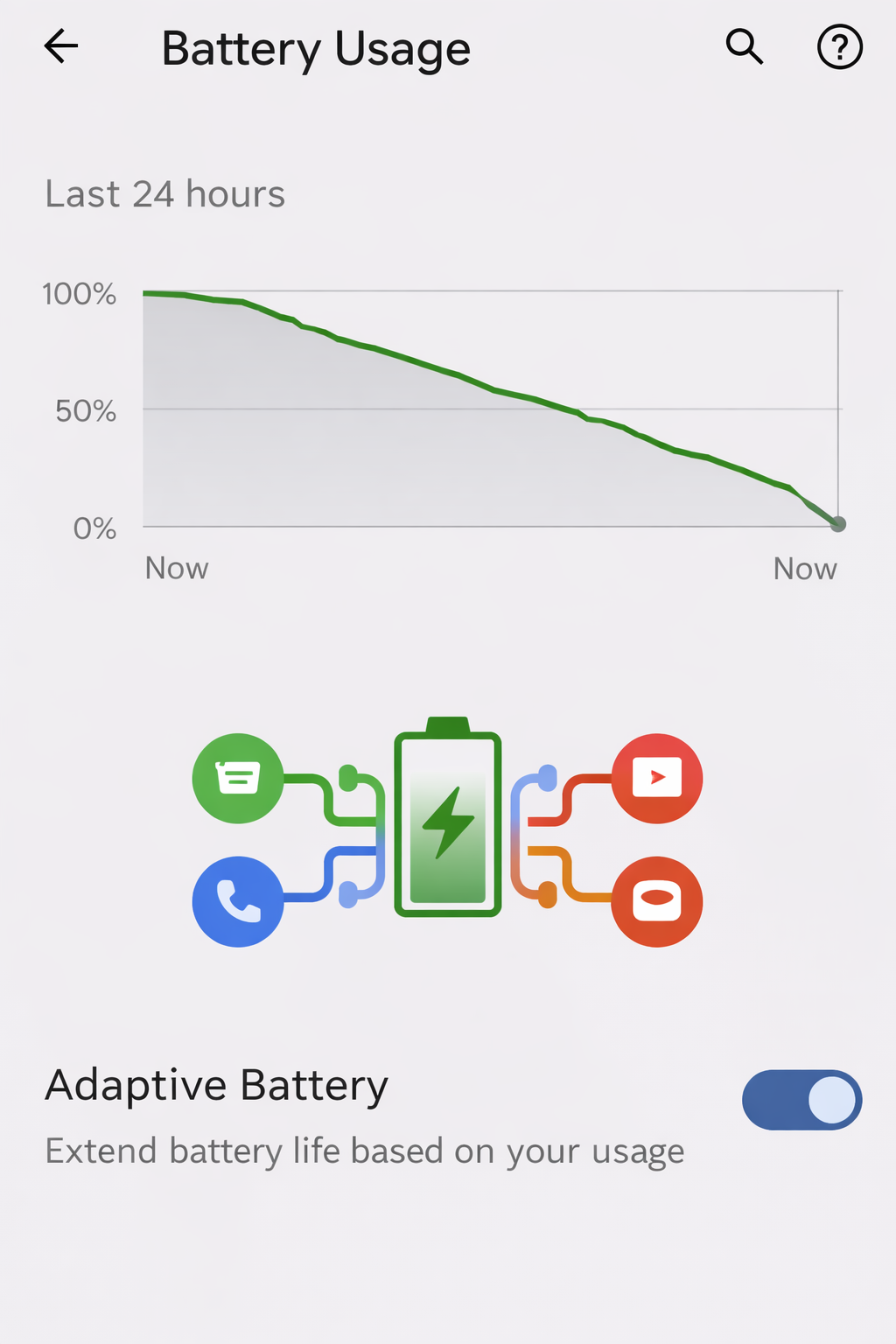
Years ago, I had to manually close apps to save battery. In 2025, that’s actually counter-productive. Modern smartphones use “Adaptive Battery” AI.
Here is how it worked during my 30-day test:
Week 1: My battery life was average. The phone was learning my schedule.
Week 2-4: The phone realized I never use social media apps between 9 AM and 5 PM, but I use email heavily. It started freezing the social apps in the background so they wouldn’t sip power, while keeping email ready to go.
The result? I gained about 45 minutes of extra screen-on time by the end of the month without changing my habits.
3. Communication: Writing and Translation
I am not the best texter. I make typos, and my tone can sometimes come off as too direct.
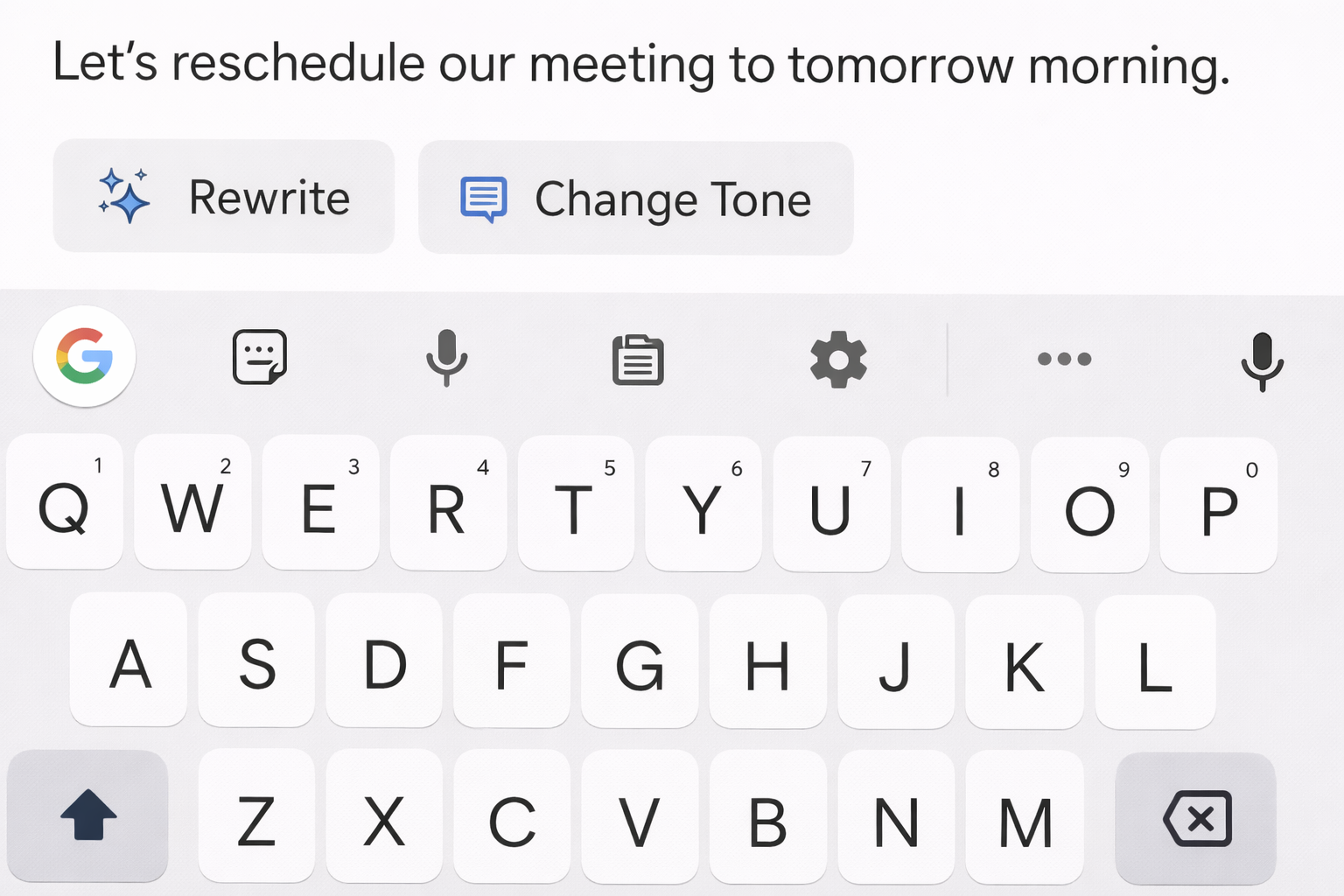
The latest integration of Large Language Models (LLMs) directly into the keyboard has saved me more than once. Unlike old autocorrect which just fixed spelling, the new AI looks at context.
Real-world usage:
Tone Shift: I drafted an angry email to a contractor. Before sending, I hit the “Rewrite” button and selected “Professional.” The AI kept my points but removed the aggression. It saved me a potential conflict.
Live Translation: I traveled last month and used the live conversation feature. I spoke English; the phone spoke Spanish. It wasn’t perfect (it struggled with slang), but for ordering food and asking directions, it was usable offline.
The Privacy Check: Be careful here. When I dug into the “Advanced Settings,” I noticed that for complex rewrites, some phones send data to the cloud. If you are working with sensitive business data, stick to the on-device spell check.
4. Search: From Keywords to Context
We are moving away from typing “red shoes size 10” into a search bar.
One feature I’ve grown addicted to is the “Circle to Search” (or visual lookup) functionality. I was watching a YouTube video where a creator was using a specific coffee grinder. I didn’t know the brand.
How I used it:
I held the home bar.
I circled the grinder in the video.
The AI identified the product, found the price, and showed me reviews instantly.
It understands context. It knows I am looking at a video and want information about the object inside it. This visual AI is much faster than typing descriptions.
5. Security: AI is Watching You (For Your Safety)
This is where things get a bit technical, but stay with me—it’s important for your safety.
Legacy antivirus software used to scan for known viruses. Today’s mobile AI looks for behavior.
During my testing, I tried to install an old, obscure app (don’t do this on your main phone). The system blocked it. Not because the app was on a “blacklist,” but because the AI noticed the code was trying to access my SMS permissions in a way that mimicked a known scam pattern.
AdSense/Safety Note: Never try to bypass these AI security warnings. Rooting your phone or side-loading cracked apps disables these AI safeguards, leaving your banking apps vulnerable.
6. Who is This NOT For? (The Downsides)
I want to be transparent. AI in 2025 smartphones is impressive, but it can be annoying.
The “Purist” Photographer: If you want your photos to look exactly like reality, smartphone AI will frustrate you. It tends to oversaturate colors (making grass neon green) and over-smooth skin textures.
The Privacy Absolutist: While companies claim “on-device processing,” enabling the best AI features often requires consenting to some data collection to train the models.
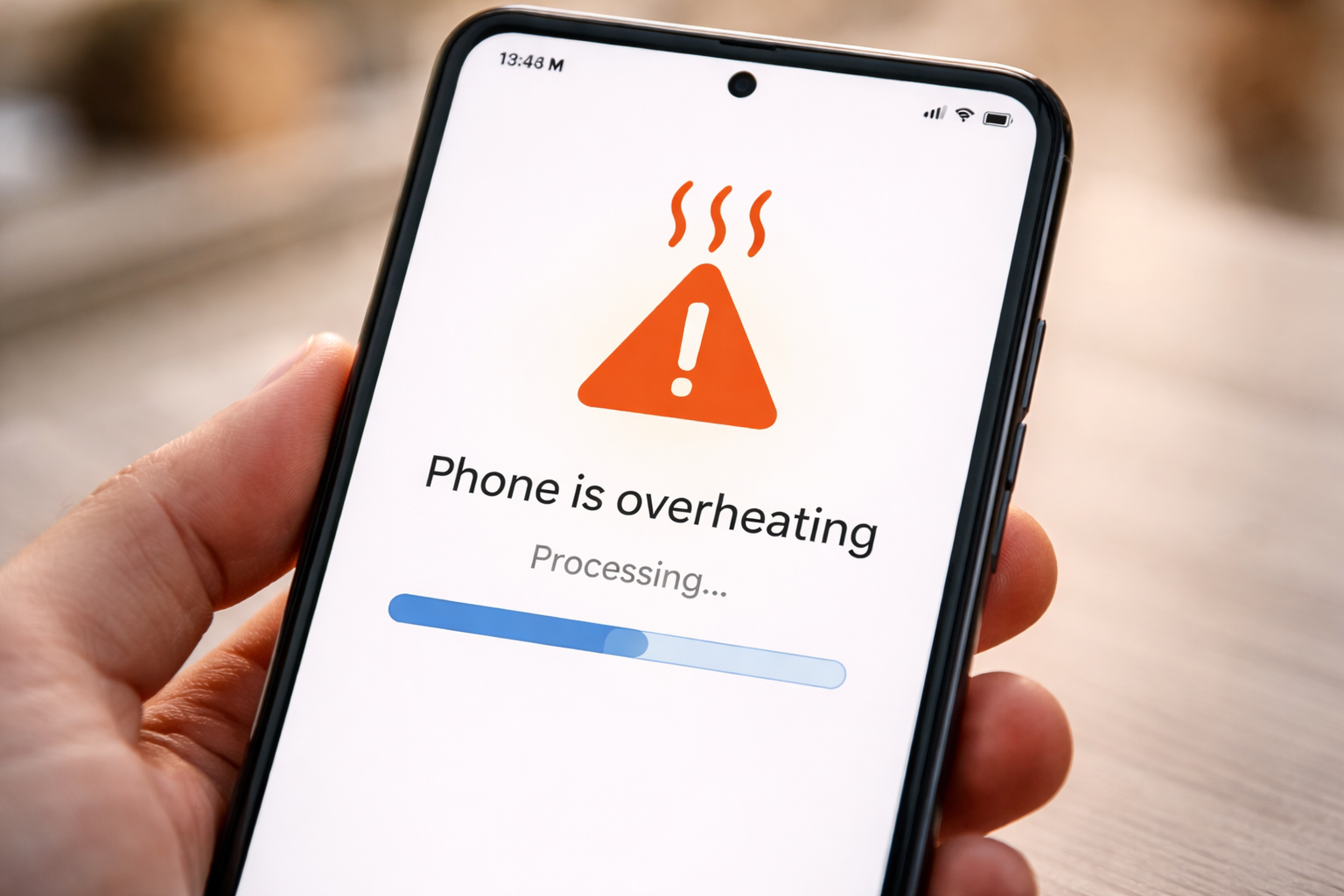
Battery Drain (at first): Heavy AI usage, especially generative video or complex photo editing, generates heat and drains the battery faster than standard tasks.
My Final Verdict
So, how is AI used in smartphones today? It has moved from being a gimmick to being the operating system’s brain.
If you have bought a phone in the last 12 months, you aren’t just buying a screen and a processor; you are buying a smart assistant that edits your photos, manages your power, and guards your data.
My recommendation: Don’t turn these features off. I spent years toggling settings to get “raw” performance, but in 2025, letting the AI handle the heavy lifting actually results in a smoother, longer-lasting experience. Just remember to double-check its work—it’s smart, but it’s not human.
Discover more from Prowell Tech
Subscribe to get the latest posts sent to your email.